
Canva for Startups: Branding, Design and Content Creation
Wishlist Share

About Course

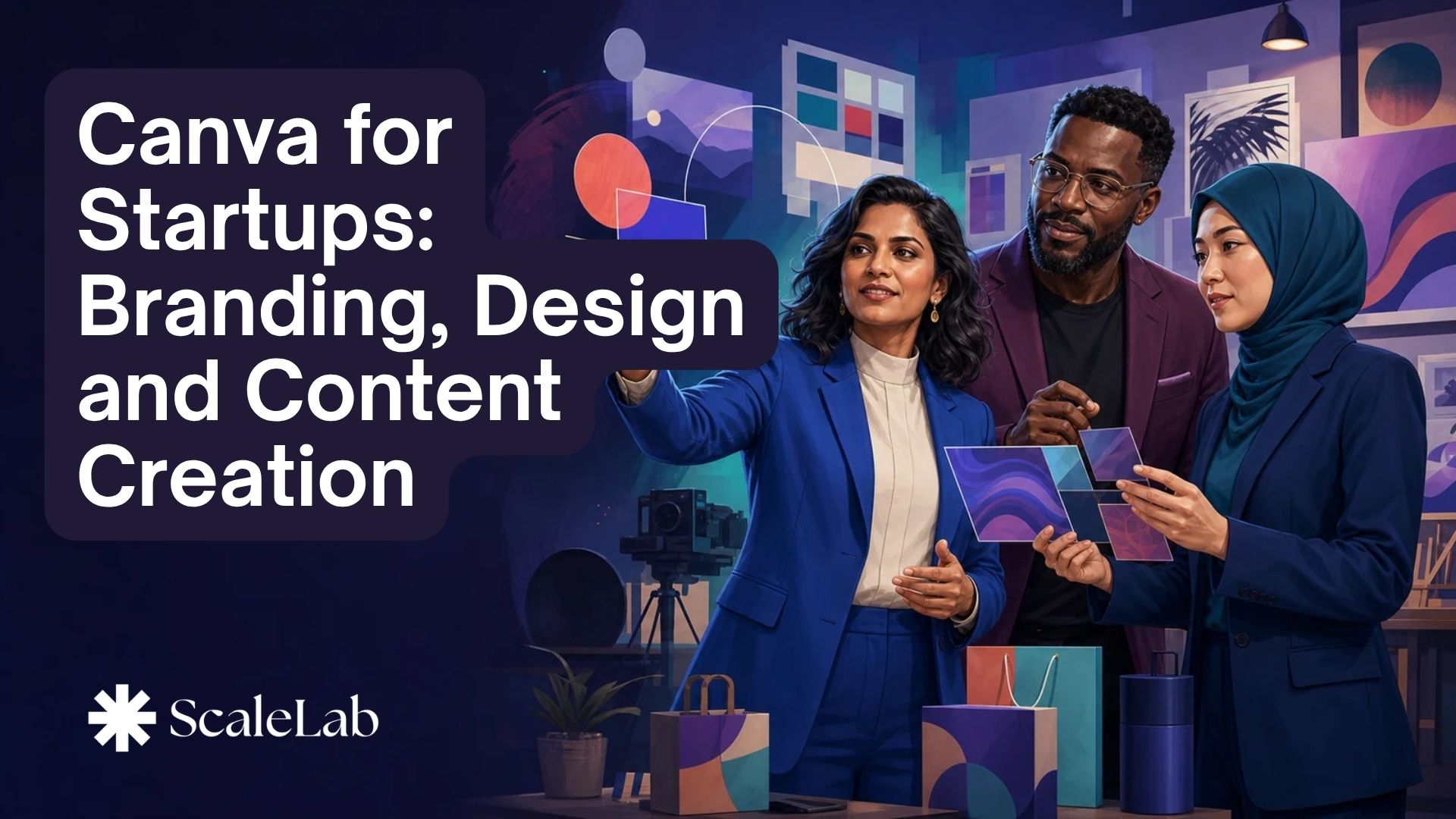
Your startup needs to look credible long before it can afford a full creative team. Yet inconsistent colours, cluttered posts, weak pitch slides and endless template searching can make a strong venture appear unprepared. This course turns Canva into your practical startup design studio, helping you build a recognisable brand and create professional content without waiting for an agency or becoming a trained designer. You will build a Brand Kit, reusable templates, social campaigns, sales materials, a pitch deck, short video and a 30-day content plan.

What Will You Learn?

  • Define a clear visual direction for a startup brand.
  • Navigate Canva and select suitable formats and templates.
  • Build and apply a practical startup Brand Kit.
  • Use hierarchy, contrast, spacing and alignment effectively.
  • Create reusable social-media content systems.
  • Design connected sales and marketing materials.
  • Create a clear, persuasive startup pitch deck.
  • Produce short branded videos and animated content.
  • Use Canva AI tools with practical human judgement.
  • Collaborate through shared assets, reviews and approvals.
  • Build reusable templates and brand guardrails.
  • Launch a 30-day startup content production plan.

Course Content

Section 1: Build a Brand People Remember
Turn the startup idea into a clear visual direction by defining the audience, promise, personality, visual mood and practical brand rules.

  • Define the target audience and brand promise
  • Choose a clear brand personality
  • Create a visual mood and inspiration board
  • Choose readable brand fonts
  • Write practical visual-brand rules
  • Select purposeful colours

Section 2: Master Canva Without Design Experience
Build confidence with Canva's workspace, formats, templates, text, visual elements, pages, layers, assets and export options.

Section 3: Create Your Startup Brand Kit
Create a practical logo system, colour palette, font hierarchy, image and icon style, then organise them into a Brand Kit and mini guide.

Section 4: Turn Design Principles into Better Content
Use hierarchy, contrast, alignment, spacing, balance, readability and accessibility to improve startup content across formats.

Section 5: Build a Social-Media Content Engine
Create reusable post families, carousels and stories, adapt formats across platforms and turn one campaign idea into multiple assets.

Section 6: Create Sales and Marketing Materials
Produce customer-facing startup materials around one message and call to action while maintaining brand consistency across the campaign.

Section 7: Design Pitch Decks That Tell a Story
Turn business information into a persuasive visual narrative covering the problem, solution, market, traction and ask.

Section 8: Create Videos and Animated Content
Plan short videos, combine media and text, use animation purposefully, add captions and audio, then export for the target channel.

Section 9: Create Faster with Canva AI
Use Canva AI to move from idea to first draft, generate alternatives and speed repetitive work while keeping accuracy, originality, rights and brand fit under human control.

Section 10: Launch Your Startup Content System
Create shared templates and guardrails, organise assets, manage feedback and approvals, plan content and complete a launch-ready portfolio.

Student Ratings & Reviews

No Review Yet
No Review Yet

Want to receive push notifications for all major on-site activities?